


Category:
How To

A Journey Of Discovery

July 21, 2020
Case Study
Low-Level Discovery is built-in functionality in Zabbix, which automatically creates items, triggers, and graphs based on JSON input received from the Zabbix Agent or the Zabbix Server. Learn how to make your life as a Zabbix admin easier thanks to LLD.

Zabbix supports Ops — clever use of Event Tags in Remote Commands

July 16, 2020
Community
Remote commands are powerful yet underestimated feature of Zabbix to react on trigger-based events and fix basic issues automatically. However, they require a specific and complex setup to be used in a real-world environment. Learn how to use Zabbix actions and remote commands in a productive environment and how to make your setup simple and […]
Monitoring a dual-homed machine within Zabbix

July 14, 2020
Conferences
In this post, we will consider a setup for legacy networks, which is, combined with some API calls to the DNS server, allows for updating the entries automatically and facilitating an automatic failover. This presentation was delivered by Brian van Baekel, an experienced consultant and Zabbix trainer at Opensource ICT Solutions B.V., The Netherlands during Zabbix […]
Upgrading Zabbix to a newer version and TimescaleDB

July 9, 2020
How To
Why do we recommend upgrading to the latest version? Zabbix 5.0 goes with improved stability, performance, and security, as well as provides technical support for the next five years. What’s important, Zabbix 5.0 supports TimescaleDB, which is designed to enhance performance and compresses the data.
Upgrade Zabbix and migrate to PostgreSQL with TimescaleDB

July 7, 2020
Case Study
Open-Future is a company based in Nossegem (Belgium), focused exclusively on the open-source market. Read the case showing how the company upgraded to Zabbix 4.4 and migrated from PostgreSQL table partitioning to PostgreSQL with TimescaleDB to ensure Zabbix support.
Mattermost Integration with Zabbix

July 2, 2020
How To
This guide describes how to integrate Zabbix 4.4 with Mattermost using the Zabbix Webhook feature and provides instructions on setting up a media type, a user and an action in Zabbix.
Zabbix SNMP – What You Need to Know and How to Configure It

June 18, 2020
How To
SNMP is one of the most used monitoring types inside Zabbix. But it is also one of the most frustrating tools to configure for newcomers. Even experienced guys tend to make simple mistakes during configuration, which later lead to a lot of issues with flapping items, interfaces, false-positive notifications, or even worse.

5 Small Things for a Big Reason
June 9, 2020
How To
One of the most technically experienced Zabbix trainers – Dmitry Lamberts reveals his five important improvements that were included in Zabbix 5.0 LTS release. Read the recap from Zabbix Online Meetup in English where Dmitry shared his advice on new features.

How to Use Zabbix Maps for Better Visualization
May 5, 2020
How To
Maps — one of many visualization options inside the Zabbix, a way to display your collected data, show the problems and create your topology. A map is more than a simple picture. It includes many small but very useful key features.
How To Use Zabbix Low Level Discovery
April 29, 2020
How To
Low-level discovery (LLD) functionality allows you to dynamically monitor all your environment for metrics that can change from time to time, and also can be and are different between multiple servers. Zabbix monitoring software will connect to the device, check for entities that exist on it, and based on discovery output create regular items and […]
Zabbix Network Discovery For Dynamic Deployments
April 21, 2020
How To
Network discovery is a good feature to simplify your daily routine on maintaining rapidly changing environment. Active registration is good, but it is limited only to hosts with Zabbix agent, while network discovery does not have any limitations.
Zabbix Monitoring With Calculated Items Explained
April 16, 2020
How To
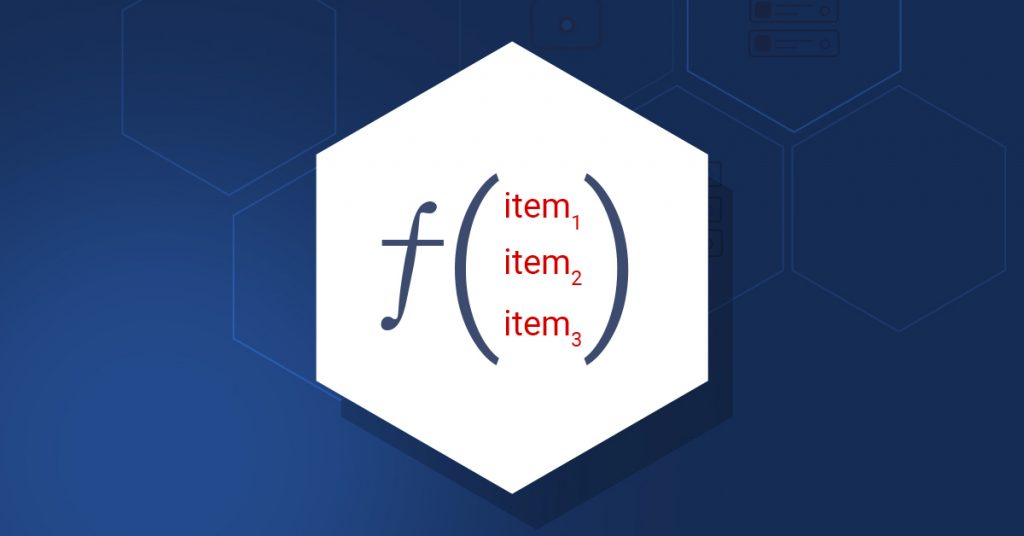
With calculated items, you can create calculations based on other items. The values will be periodically calculated based on an arithmetical expression and done by the Zabbix server – nothing is performed on Zabbix agents or proxies.

